
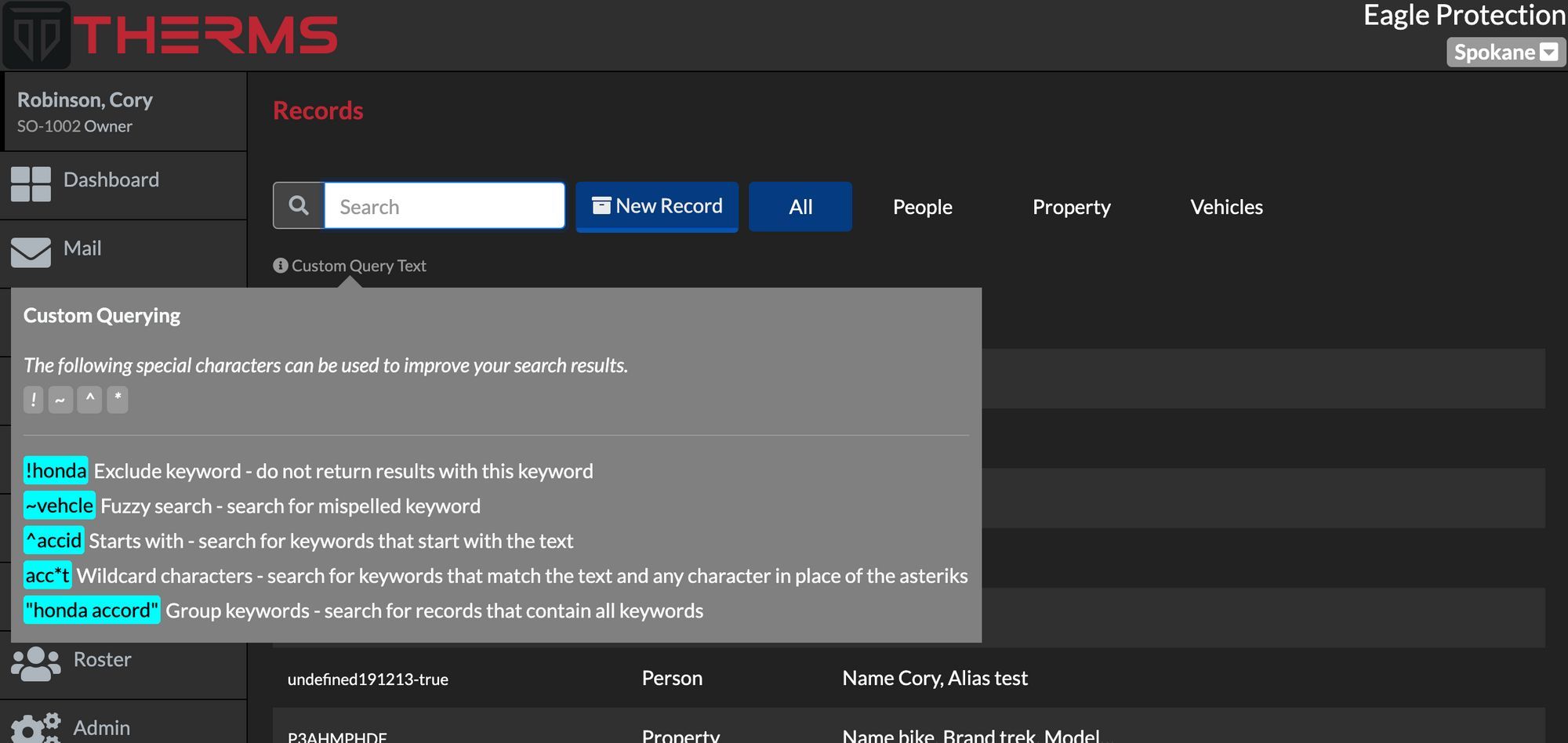
Search Syntax - Reports, Records, Dispatch
THERMS offers a special search syntax for searching information in THERMS Reports, Dispatches, & Records .
· 1 min read
Announcements, tutorials, tips and more.
THERMS offers a special search syntax for searching information in THERMS Reports, Dispatches, & Records .
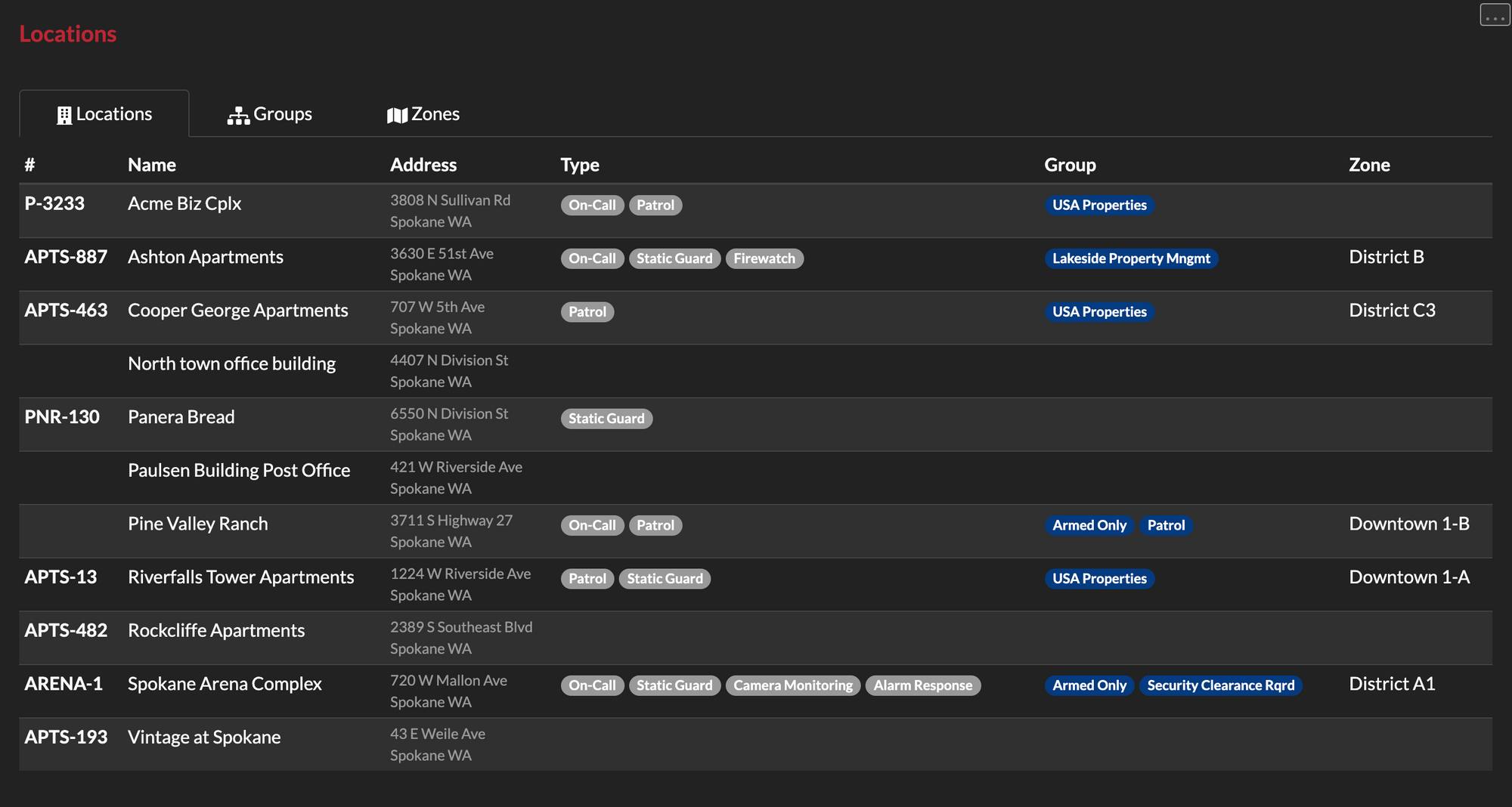
This tutorial walks through what a Location Type, Group & Zone is and how they can be configured in your THERMS account.
This brief tutorial shows you how to configure your organization's account with your logo. Your logo will be used and displayed in reports, login screen, and various other areas of the app.
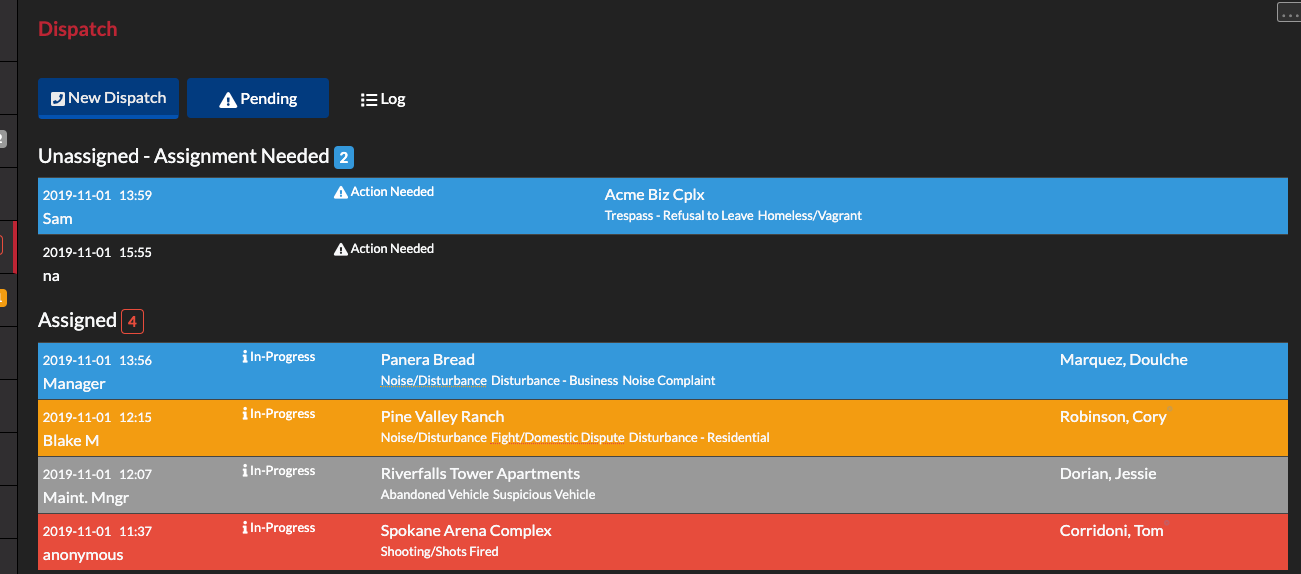
In this tutorial we walk through logging dispatch call records, assigning, acknowledging and clearing them.
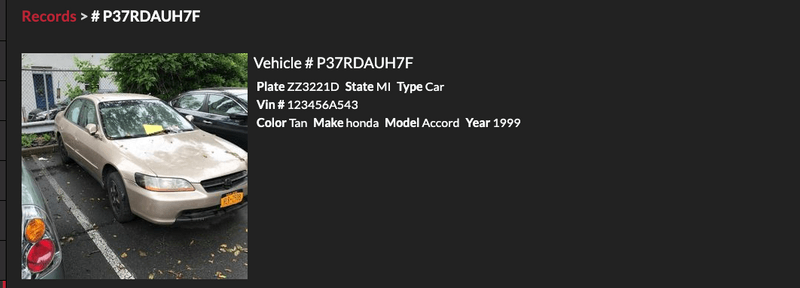
In this tutorial we explain how users can link records to other pieces of information in THERMS such as reports.
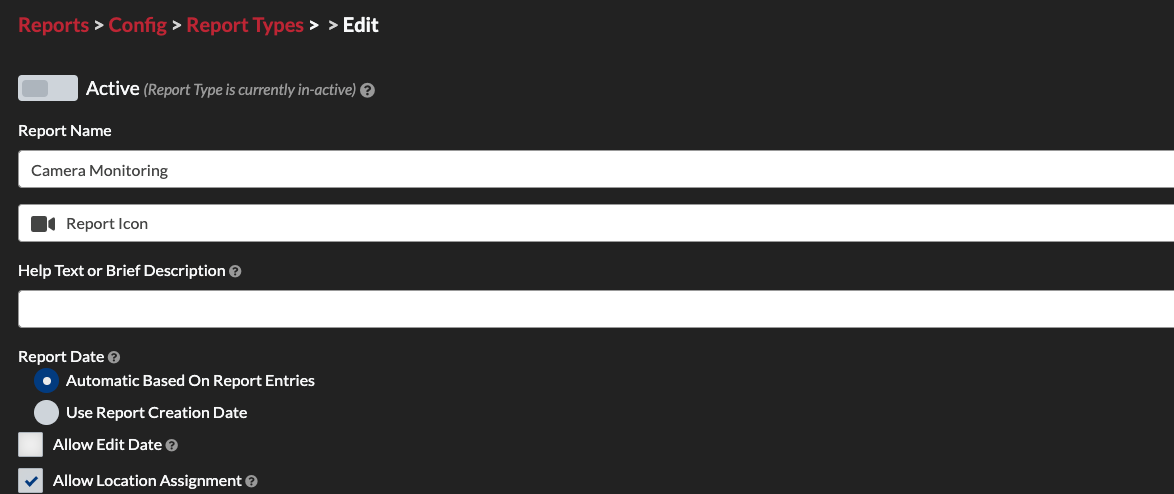
This tutorial explains how to create custom report types in THERMS for your organization.
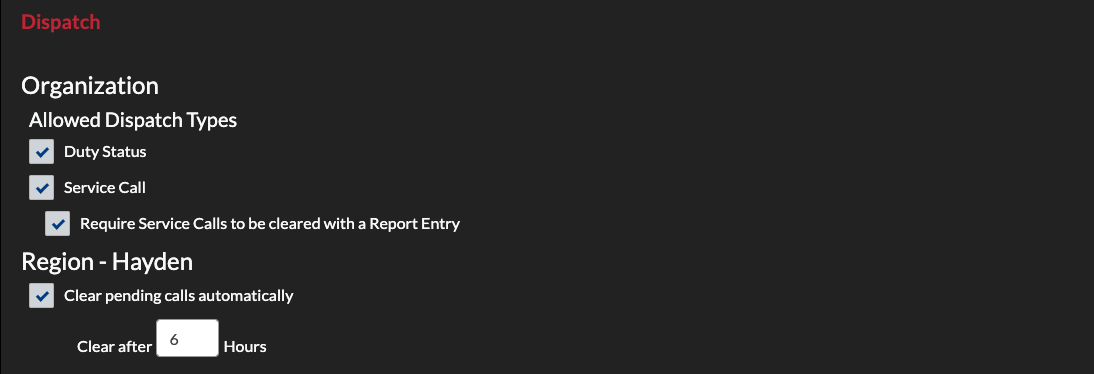
This tutorial walks through setting up the Dispatch module for a new organization account.

This tutorial briefly covers setting up records in an organization account. Records are People, Property and Vehicles that are documented in THERMS for linking, lookup and other reference.
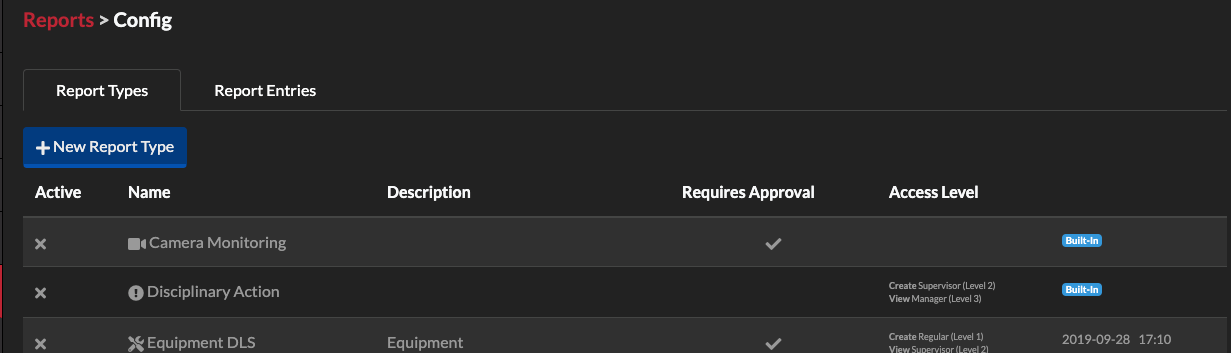
In this tutorial we will walk through setting up the Reports module for a new organization account. This post covers built-in reports and how they can be used in security operations.
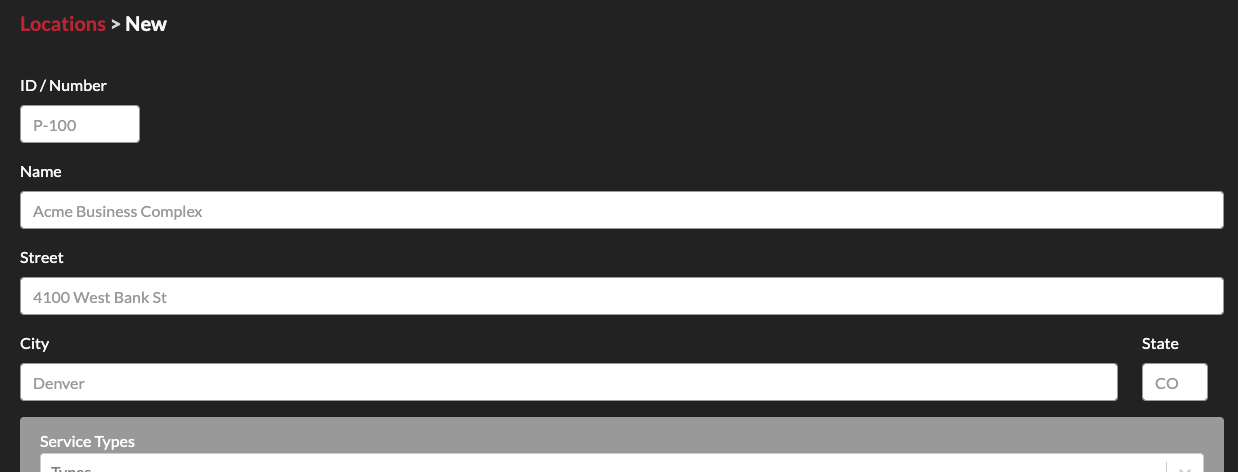
In this tutorial we walk through creating new locations for your organization's THERMS account.
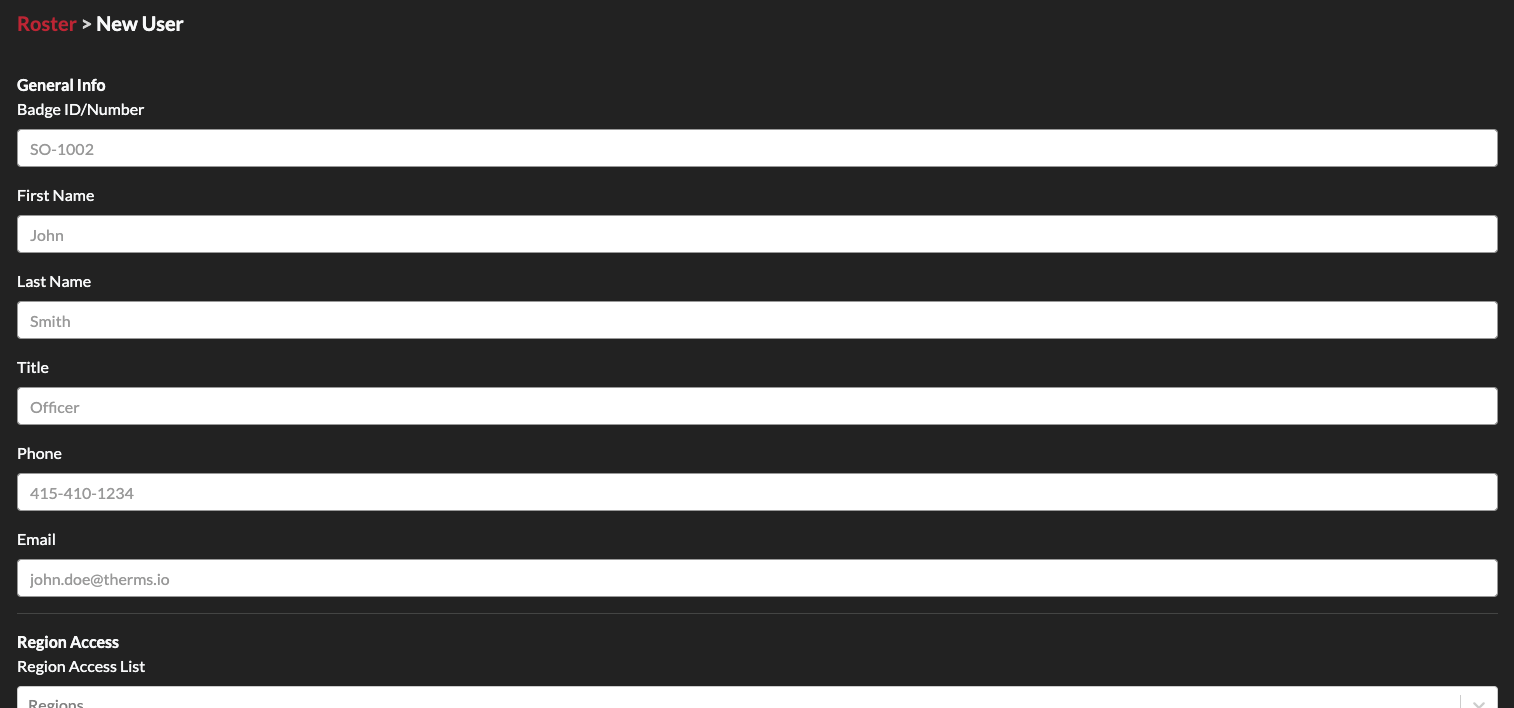
In this tutorial we go over the basics of creating and adding users to your THERMS organization account.
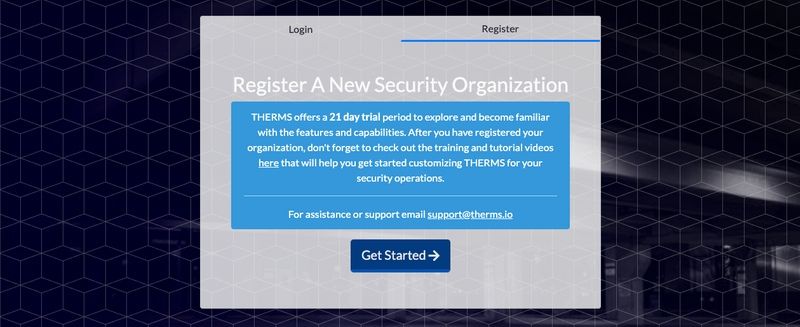
In this tutorial we walk through the basics of getting your organization setup after registering a new account with THERMS.