
Resetting A User's Password
As an Organization Administrator you now have the ability to reset a user's password within the system.
· 1 min read
Support articles & videos to get a organization account setup and smoothly running in THERMS
As an Organization Administrator you now have the ability to reset a user's password within the system.
THERMS has recently deployed a new feature allowing you to communicate the GPS location of the report entries to clients.
This tutorial briefly covers how to setup a QR Code for a Location and how to scan them in a Report.
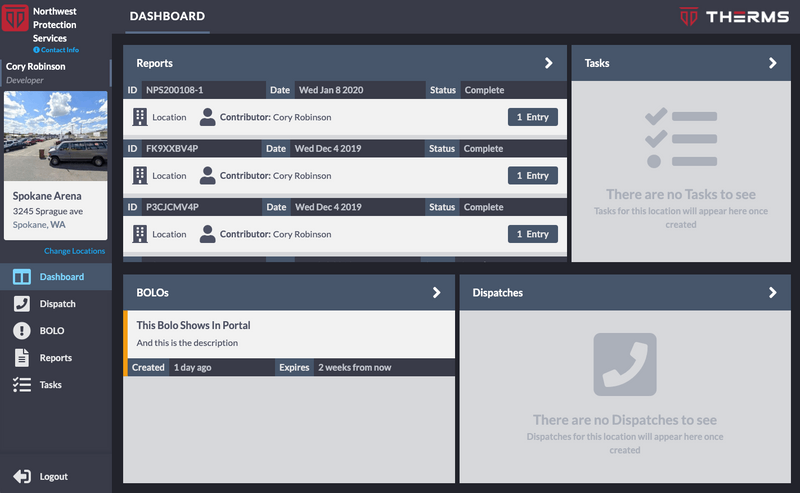
The Portal is a separate dashboard that is for clients or 3rd party stake holders to access information for a Location(s). In this dashboard a Portal User can view BOLOs, Dispatch, Reports & Tasks for the Location or Locations that they were given access to.
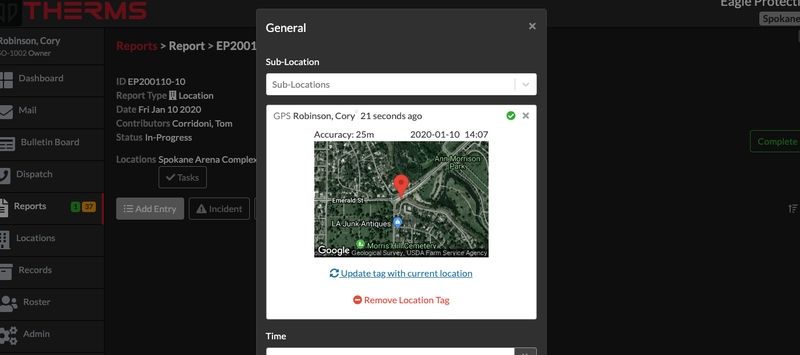
Reports offer a setting to allow GPS tags in Report Entries. The purpose of a GPS tag in a Report Entry can aid in verification that the User was at a specific location when they created the Report Entry.
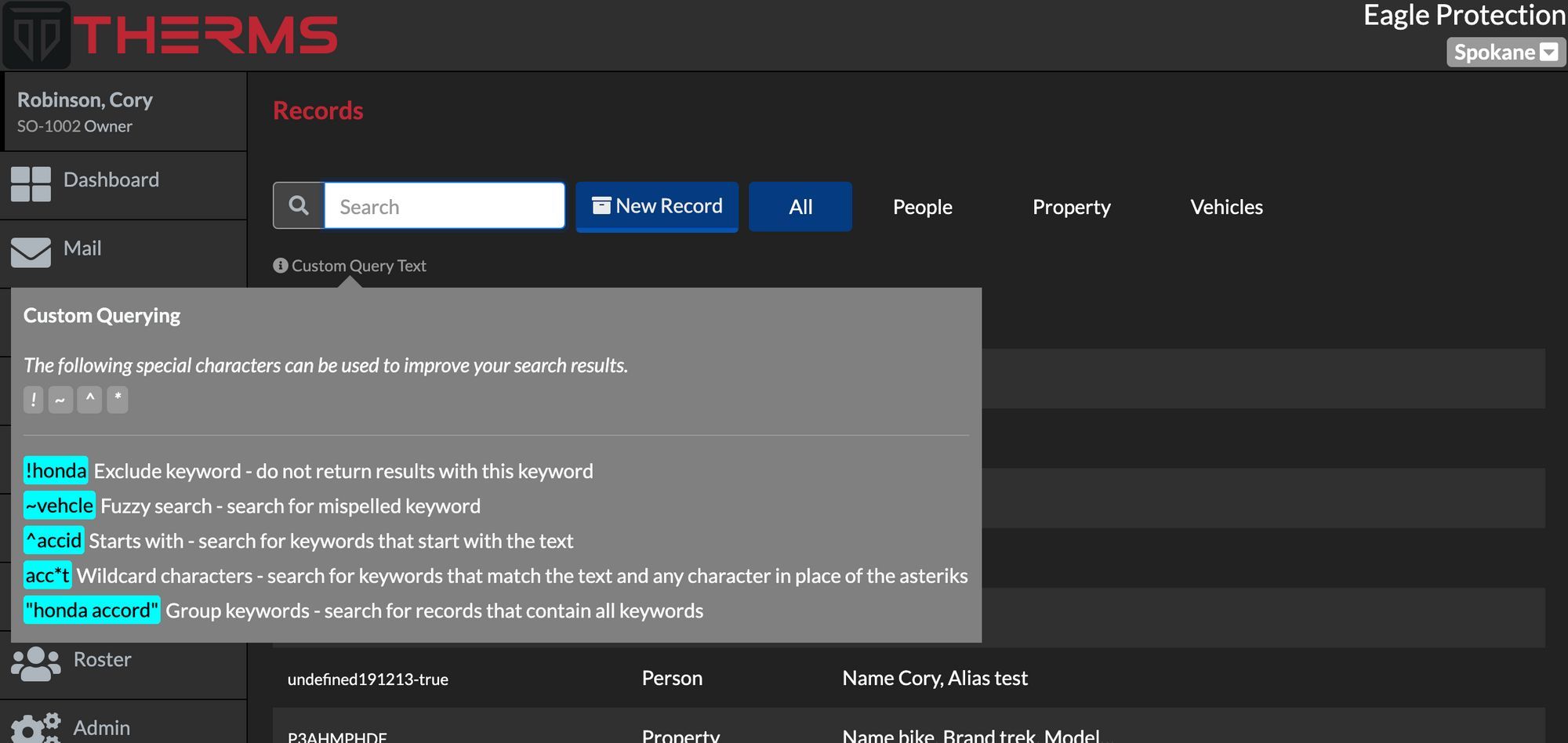
THERMS offers a special search syntax for searching information in THERMS Reports, Dispatches, & Records .
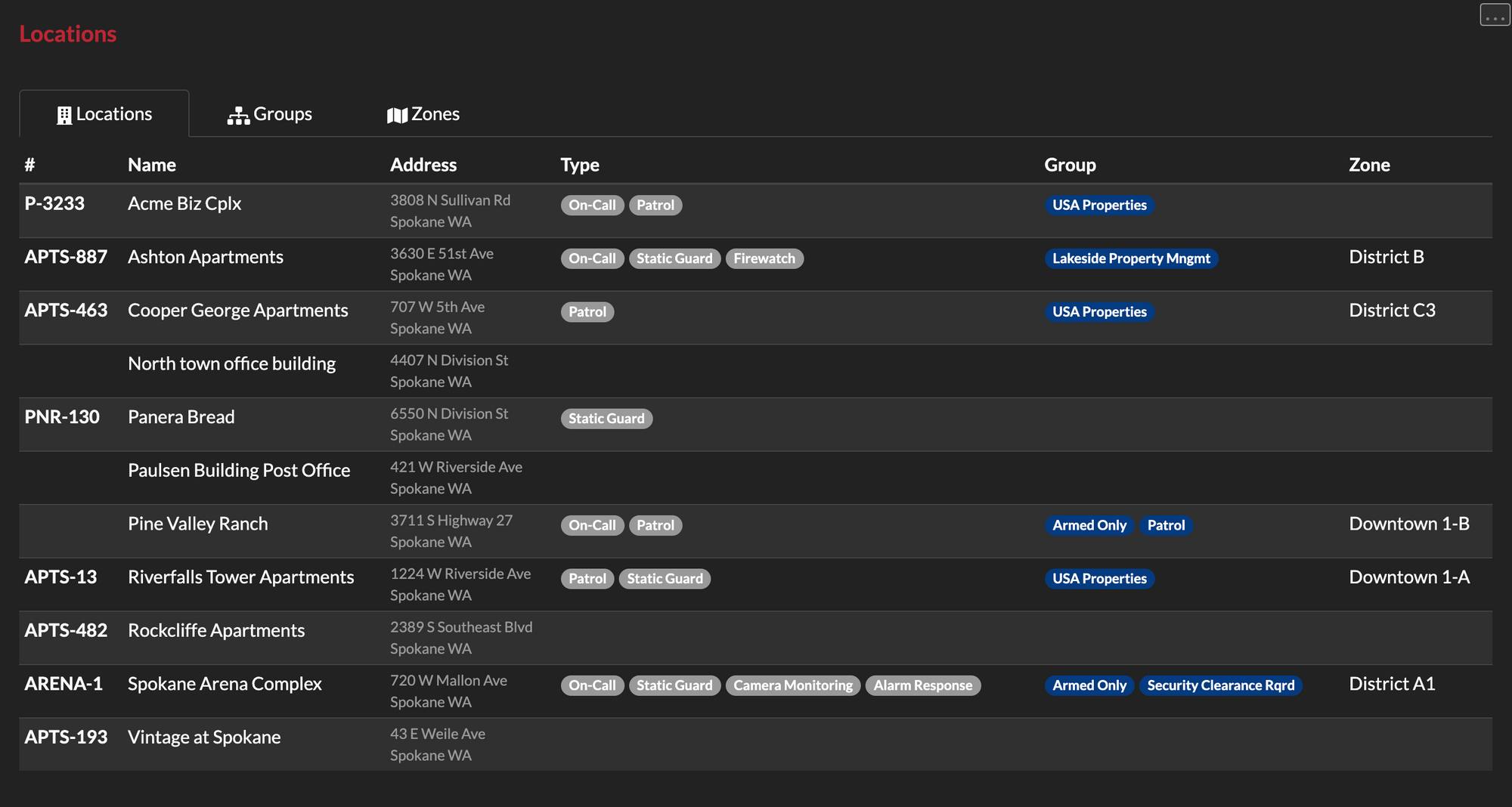
This tutorial walks through what a Location Type, Group & Zone is and how they can be configured in your THERMS account.
This brief tutorial shows you how to configure your organization's account with your logo. Your logo will be used and displayed in reports, login screen, and various other areas of the app.
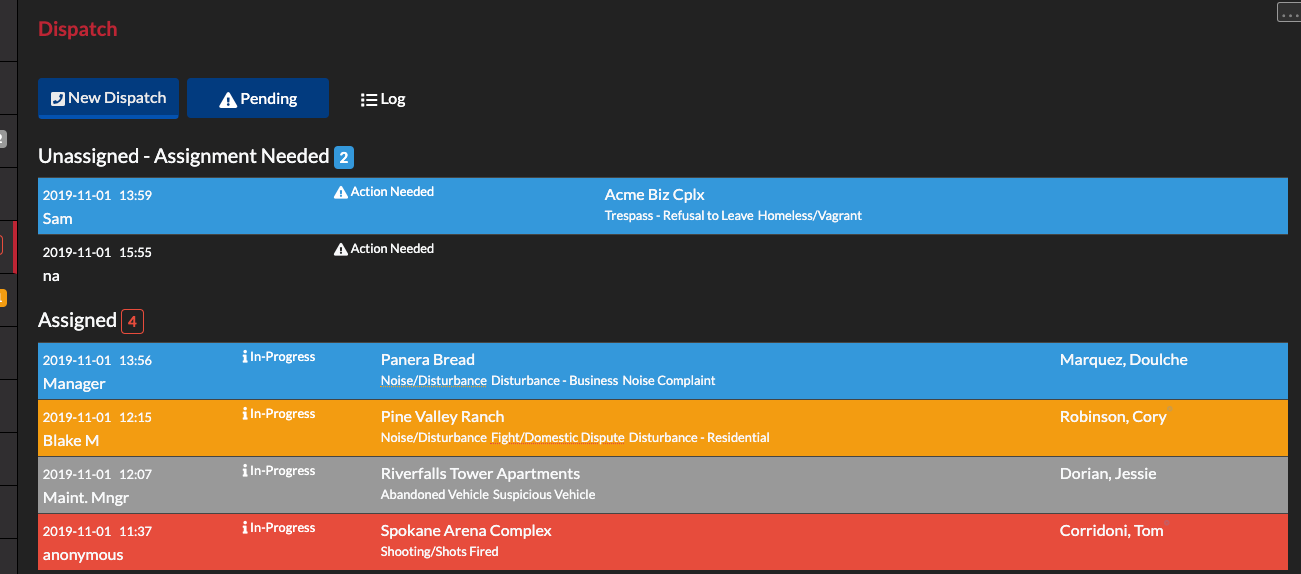
In this tutorial we walk through logging dispatch call records, assigning, acknowledging and clearing them.
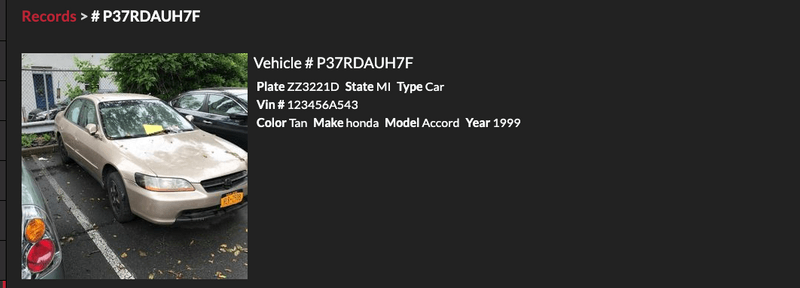
In this tutorial we explain how users can link records to other pieces of information in THERMS such as reports.
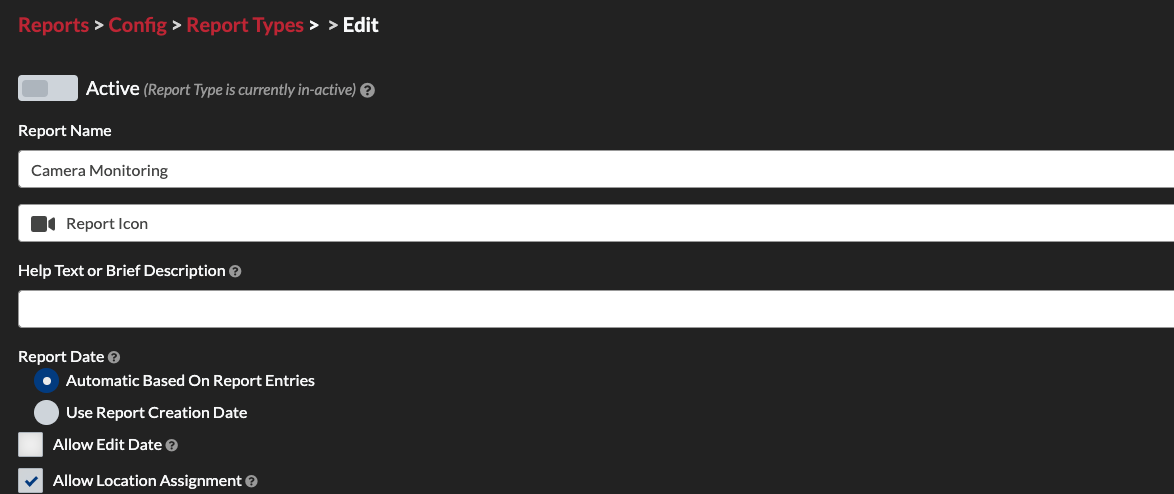
This tutorial explains how to create custom report types in THERMS for your organization.
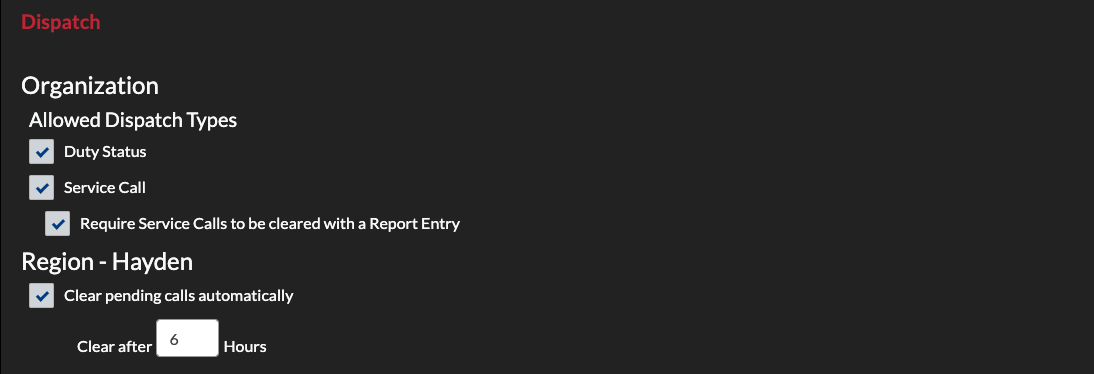
This tutorial walks through setting up the Dispatch module for a new organization account.