
Resetting A User's Password
As an Organization Administrator you now have the ability to reset a user's password within the system.
· 1 min read
As an Organization Administrator you now have the ability to reset a user's password within the system.
THERMS has recently deployed a new feature allowing you to communicate the GPS location of the report entries to clients.
In this tutorial we will walk you through the steps required to create NFC tags.
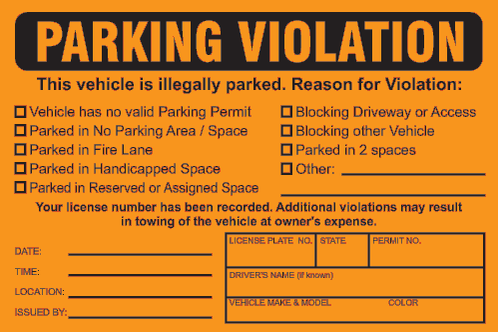
THERMS provides the tools for each security guard & patrol Organization to customize the Report Entries for Parking Violations, Towing and any other vehicle enforcement activity. In this tutorial we will briefly cover how you can build a custom Parking Violation Report Entry.
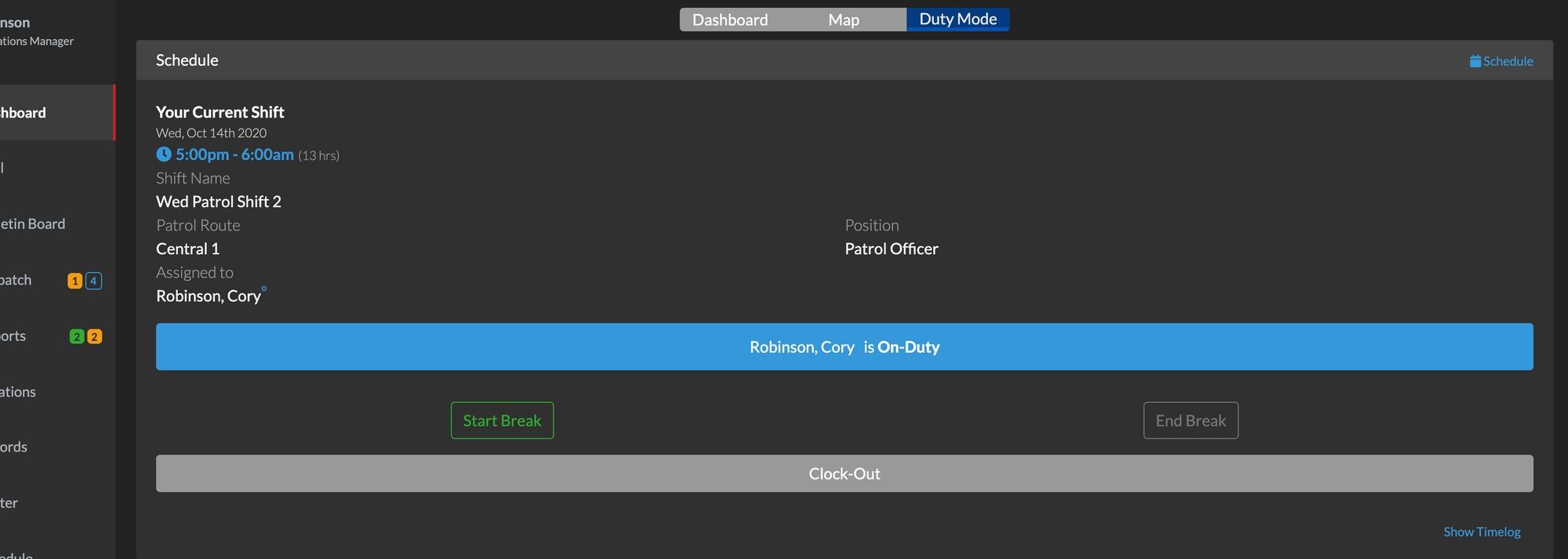
THERMS Security guard and patrol operations provides built-in Scheduling so you can organize your staff's work schedule and capture specific details for each shift.
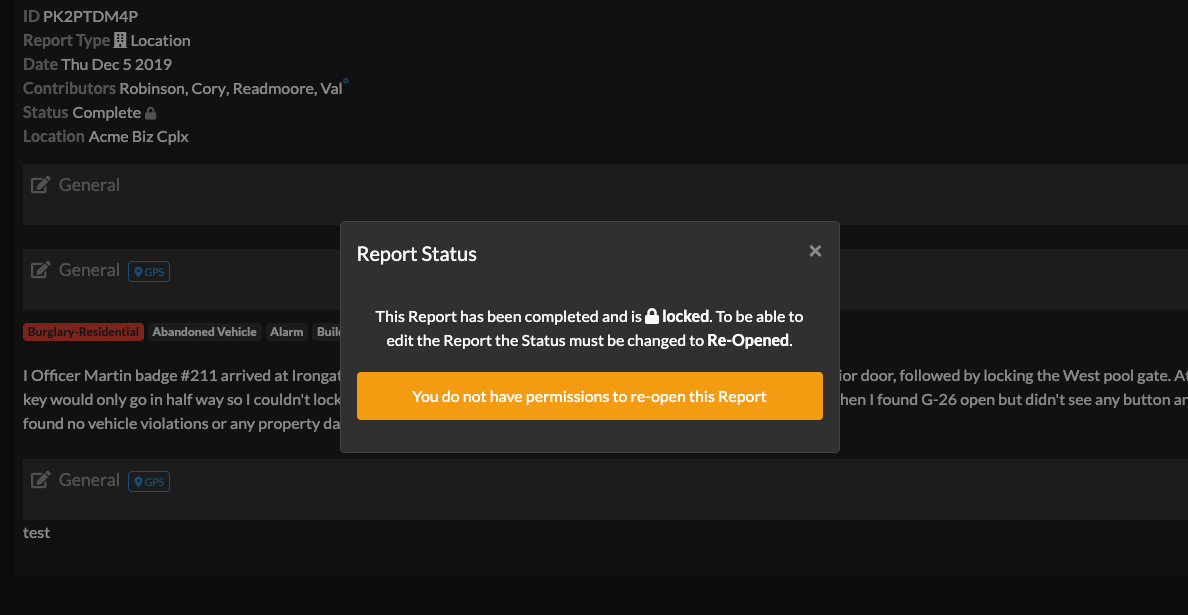
Organizations have the option to turn on the Report setting that will automatically lock a Report after it's been moved to completed status. This setting must be turned on in the Reports > Settings page.
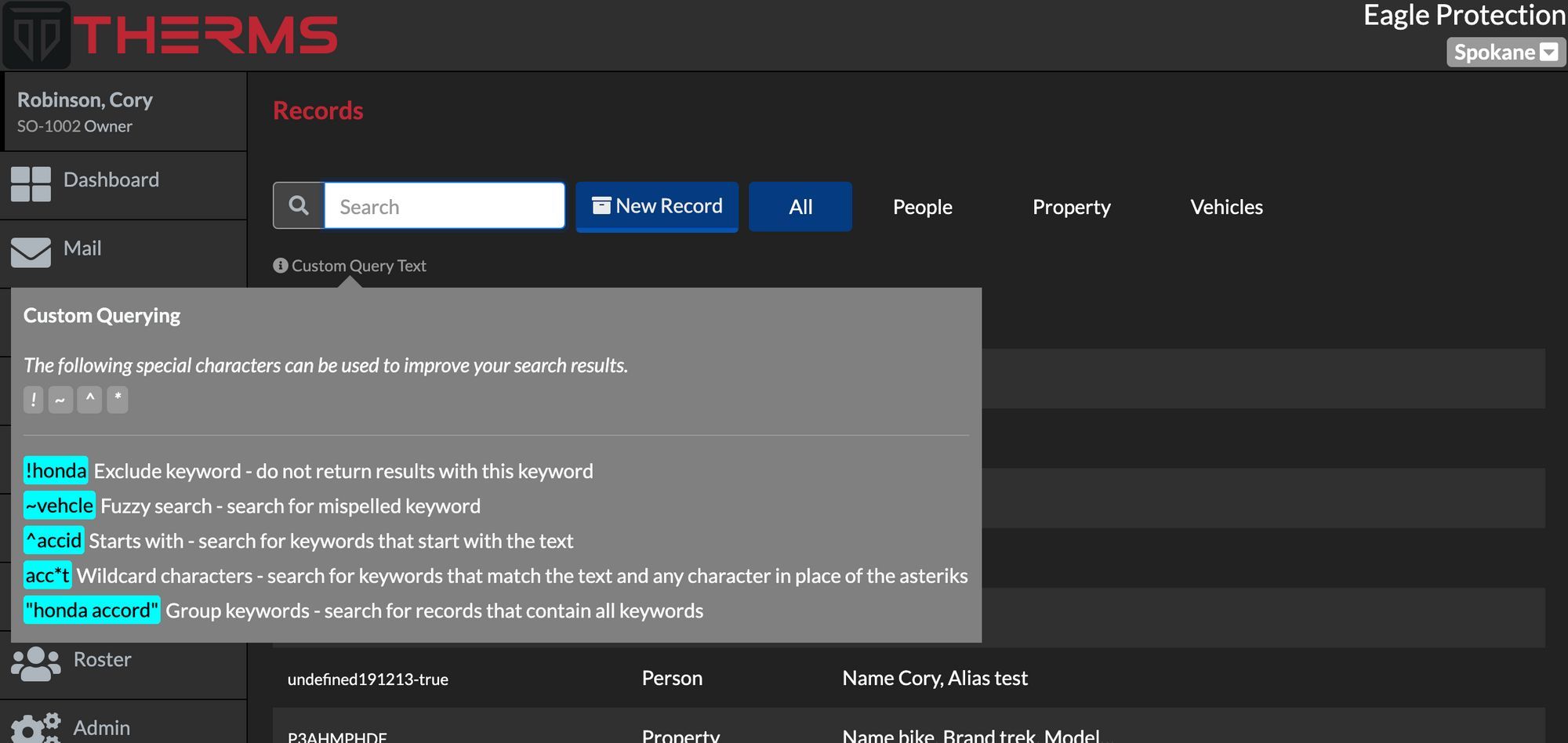
THERMS offers a special search syntax for searching information in THERMS Reports, Dispatches, & Records .
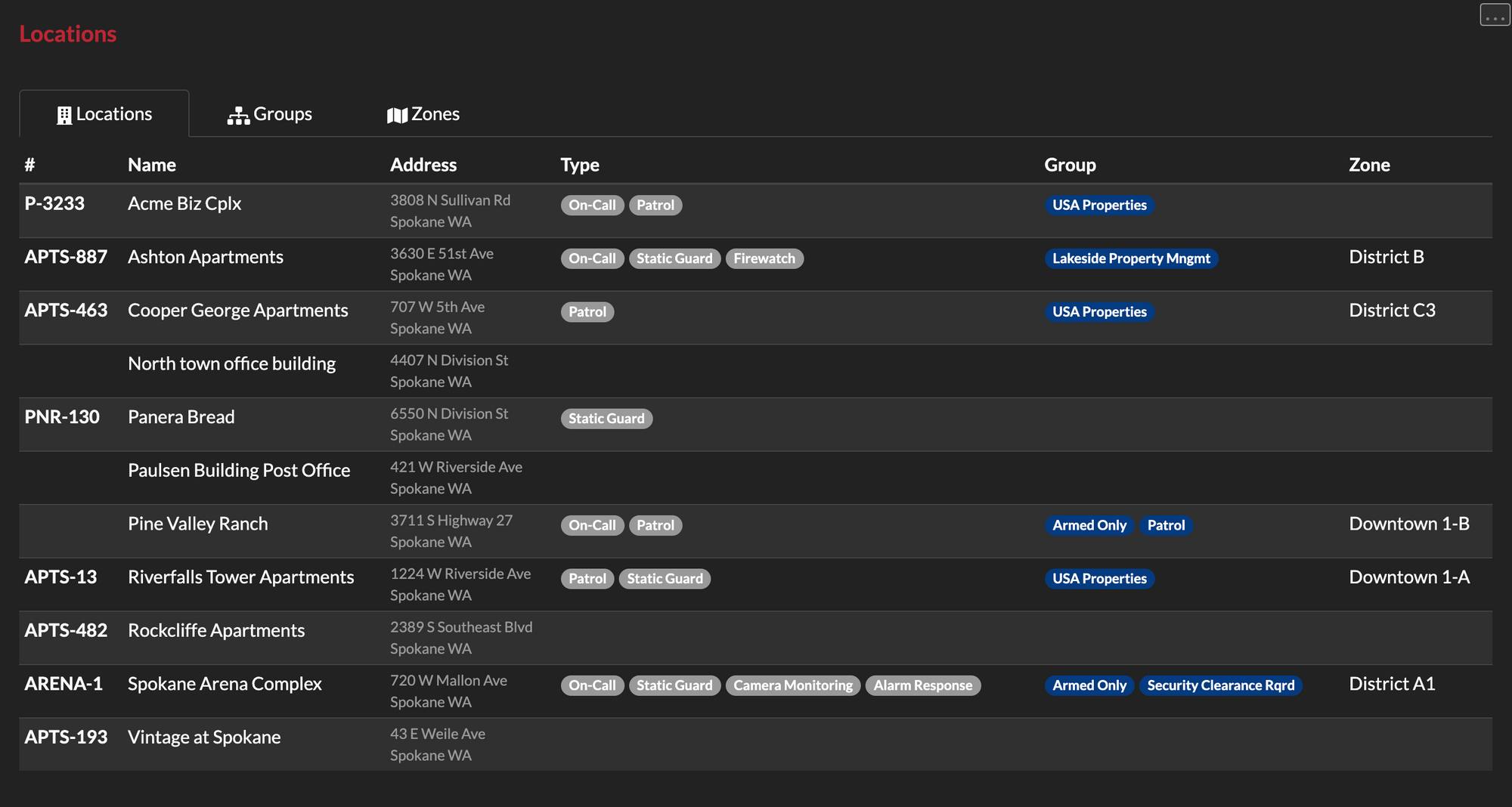
This tutorial walks through what a Location Type, Group & Zone is and how they can be configured in your THERMS account.
This brief tutorial shows you how to configure your organization's account with your logo. Your logo will be used and displayed in reports, login screen, and various other areas of the app.
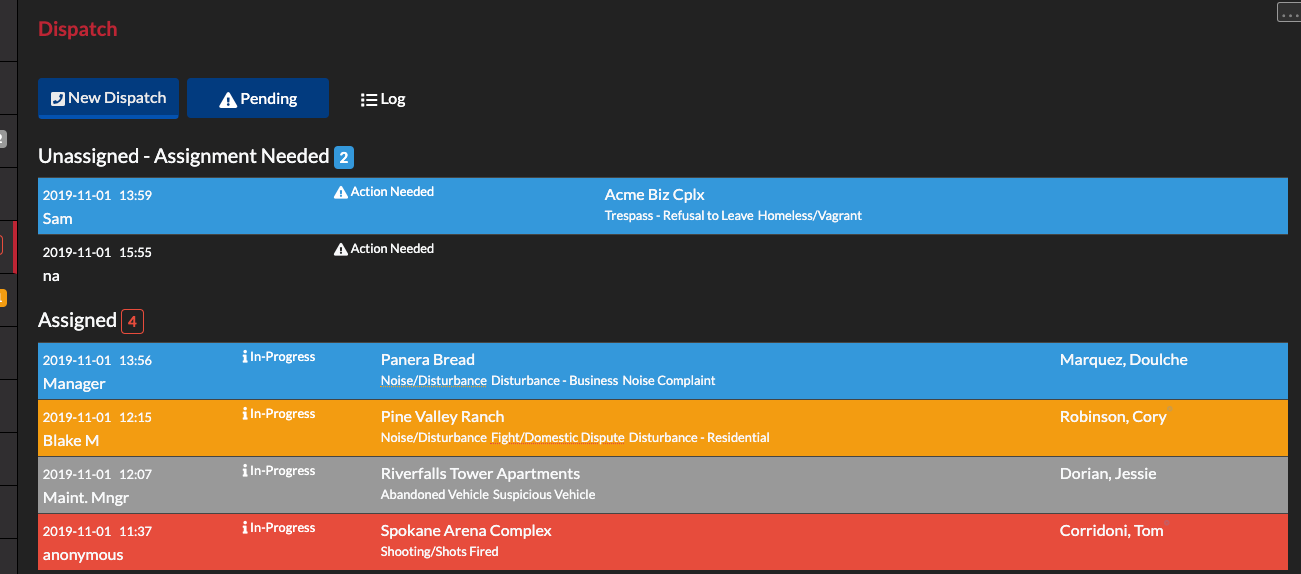
In this tutorial we walk through logging dispatch call records, assigning, acknowledging and clearing them.
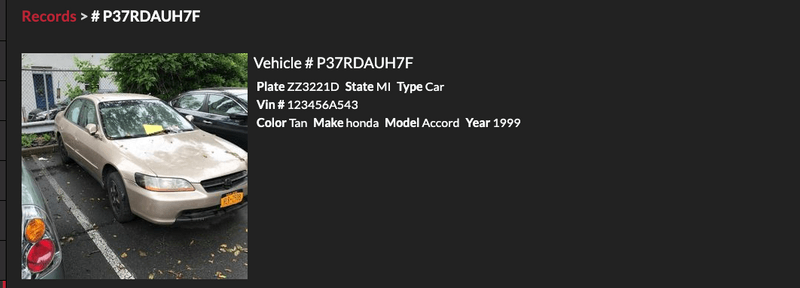
In this tutorial we explain how users can link records to other pieces of information in THERMS such as reports.
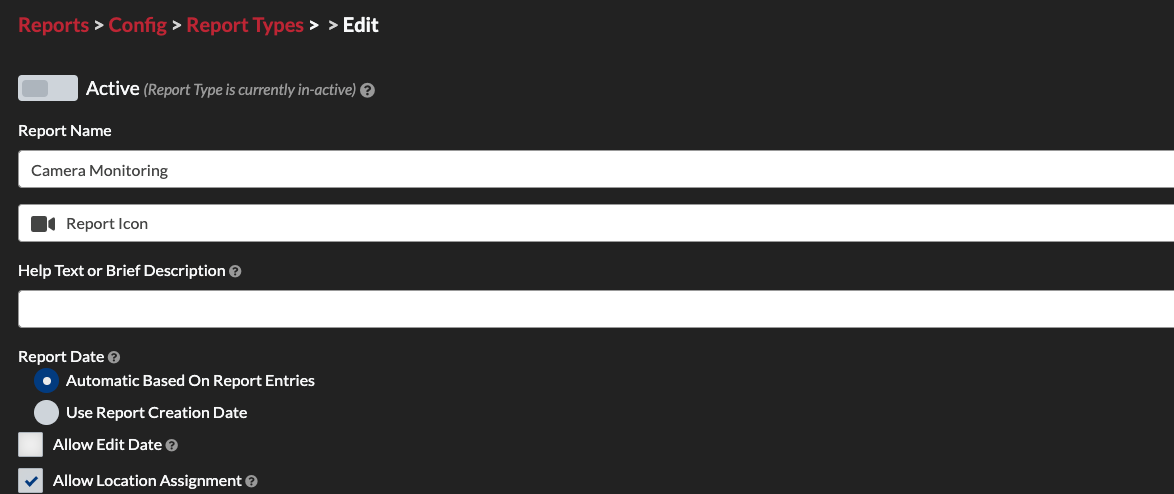
This tutorial explains how to create custom report types in THERMS for your organization.